The TV that earns the fifth star instead of the complaint.
Guests expect the TV to work like home: channels in their language, their own Netflix, and the certainty that the next guest will not find their account. Hotel TV does all three on the Android TV you already have, free forever if you install it now.
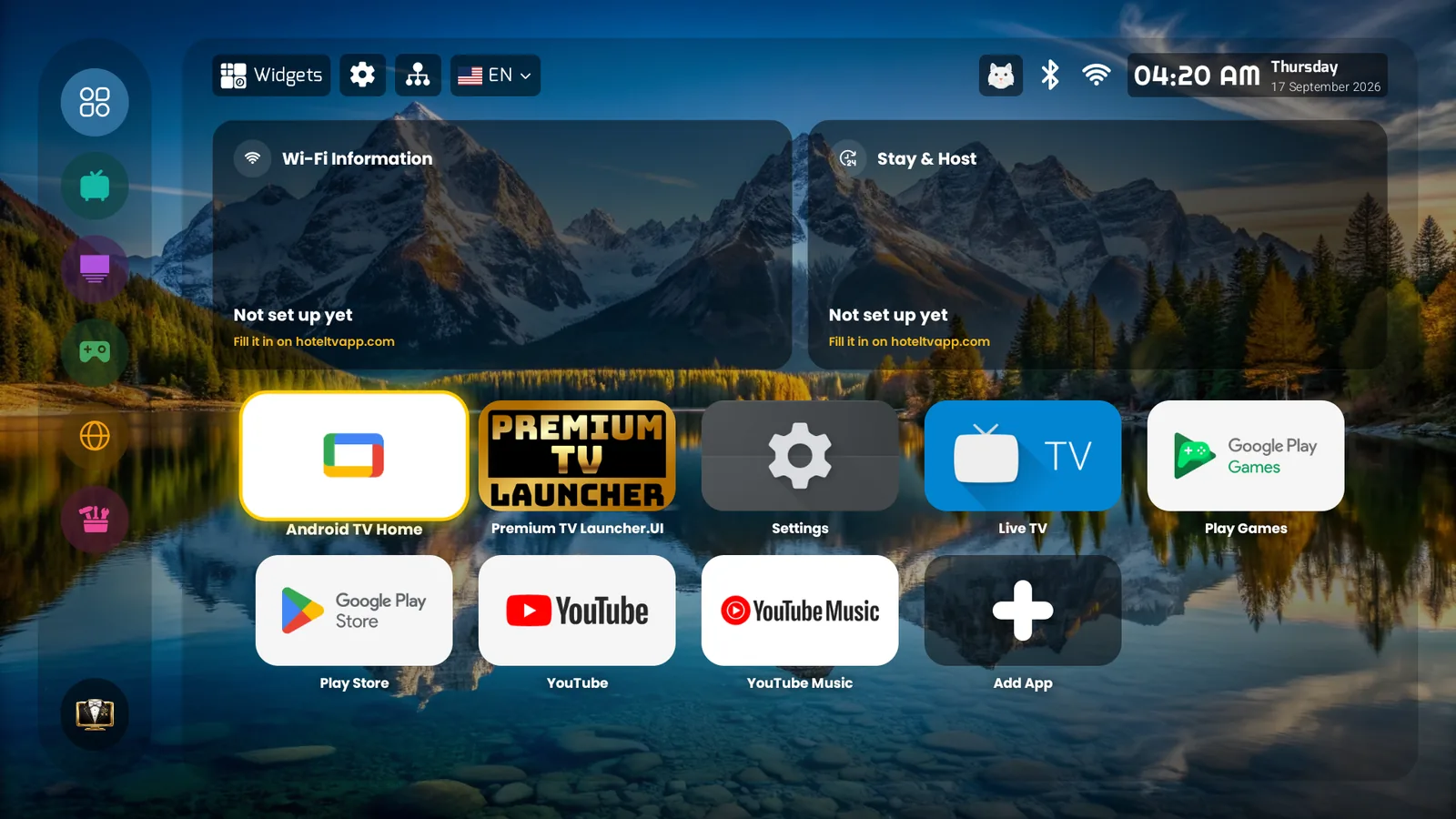
The four TV complaints that cost hosts a star — and what replaces them
Reviews pay better than any welcome video.
One evening, one TV, your phone.
No technician. If you can pair Bluetooth headphones, you can do this.
- 1Install Hotel TV from Google Play on the room's Android TVOr on a €50 certified Google TV box behind any TV, including an old Samsung or LG.
- 2Scan the QR on the TV with your phoneName the apartment, connect your Airbnb or Booking calendar (iCal), Smoobu, Hospitable, Hostaway, Lodgify, Beds24, Hostex or OwnerRez.
- 3Fill the cards from your phoneWi-Fi QR, check-out time, pharmacy, metro, taxi, house rules. In 45 languages, automatically.
- 4Lock it (15 min) or order it lockedFree TV Box Tools makes Hotel TV the owner of the box. Or a certified partner ships it ready with your Host PIN inside.
- 5Paste one sentence into your listing"Your accounts are erased before the next guest arrives." A sentence no other listing can write.
What Airbnb hosts ask first
Can I keep using my own Netflix for the apartment?⌄
Per property, yes — a separate subscription for that apartment is a legitimate household. Your home account, no (Netflix Household rules). Most ready-to-watch content needs no account anyway: country channels, YouTube as guest, your IPTV.
What if a guest unplugs the box and plugs in their own stick?⌄
When they plug yours back, HOME returns to Hotel TV. Nothing was changed, because nothing could be. The lock also survives a power cut.
Does it work with my cleaner's routine?⌄
The cleaner does nothing. The erase runs from your calendar at the next check-in; the Wi-Fi QR and check-out time update themselves.
Is it really free?⌄
Yes, if you install it now: Hotel TV will soon become a paid app, and every TV that already uses it stays free forever. No card.