A TV that stays the way you set it. Guest after guest.
Lock it once, with the free TV Box Tools and your phone. After that nobody can change the language, uninstall anything, plug in their own stick or reset it. Not even by accident.
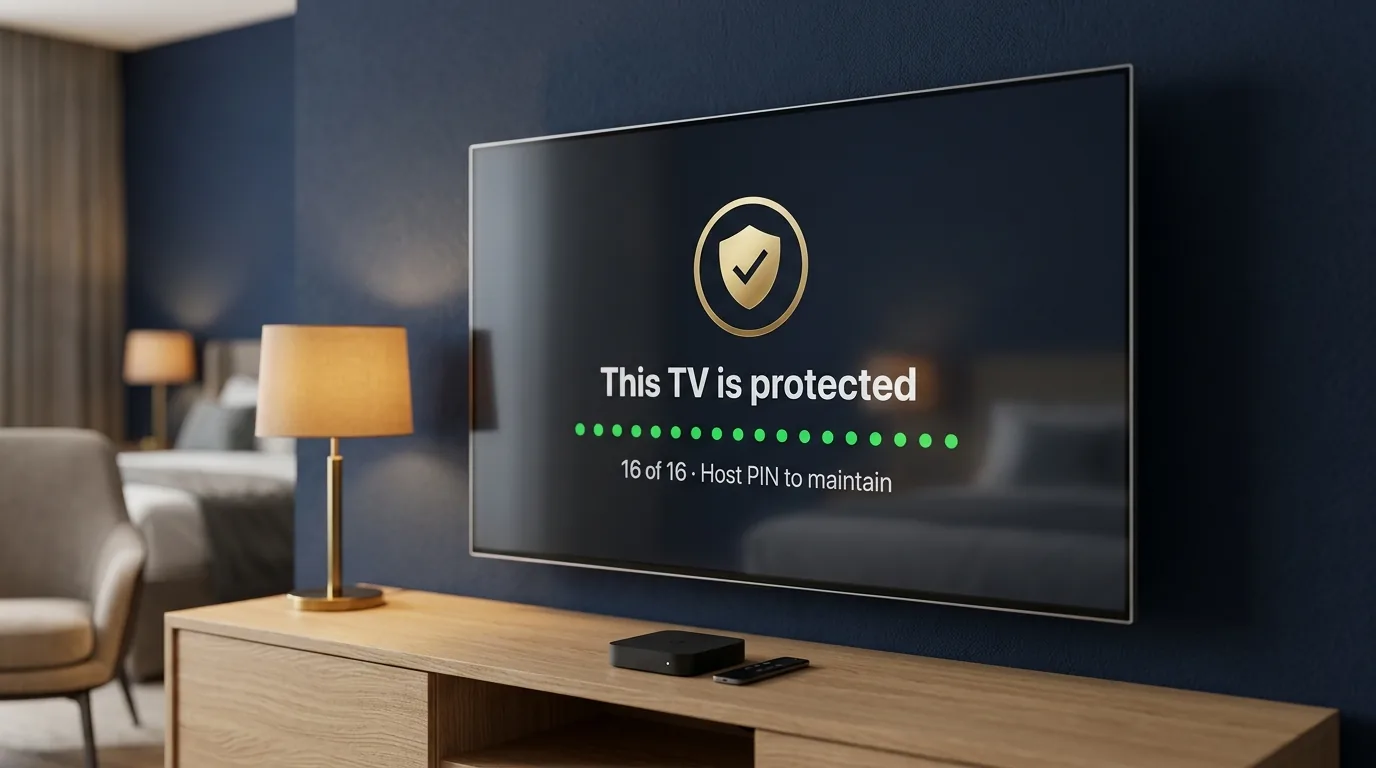
Without the lock, every guest is one button away from a service call.
An unlocked Android TV is a computer with a remote. A locked one is an appliance. Four things change.
No factory reset, no changed language, no deleted app. The box can't be put into a state you'd have to go and fix.
“Erased before the next guest arrives” only holds if the launcher can't be bypassed. The lock is what makes the sentence true.
Your PIN opens 15 minutes of full access on that TV. Change Wi-Fi, update an app, done. It locks itself again.
The tool is free, and the lock is part of Hotel TV. Hospitality TVs charge for this in the hardware.
One box, one cable, your phone.
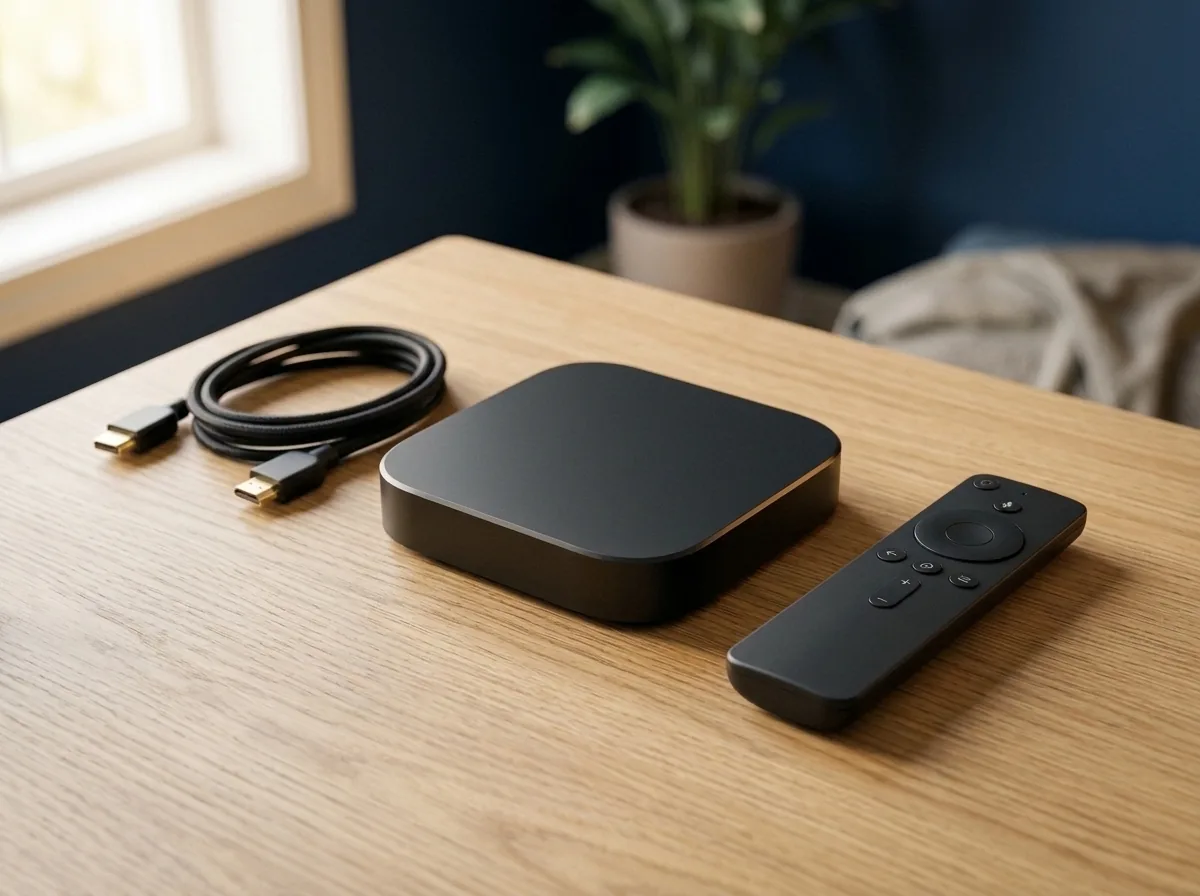
If you can pair Bluetooth headphones, you can do this.
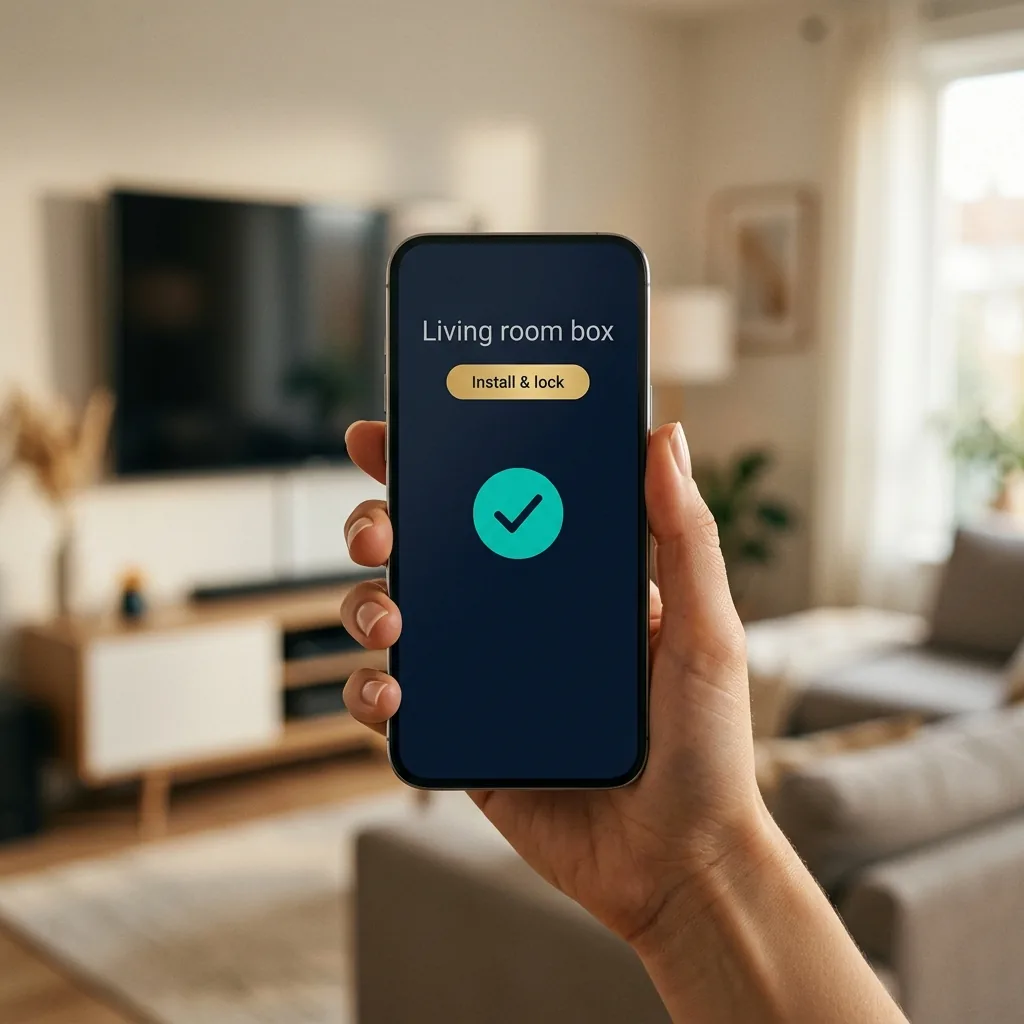
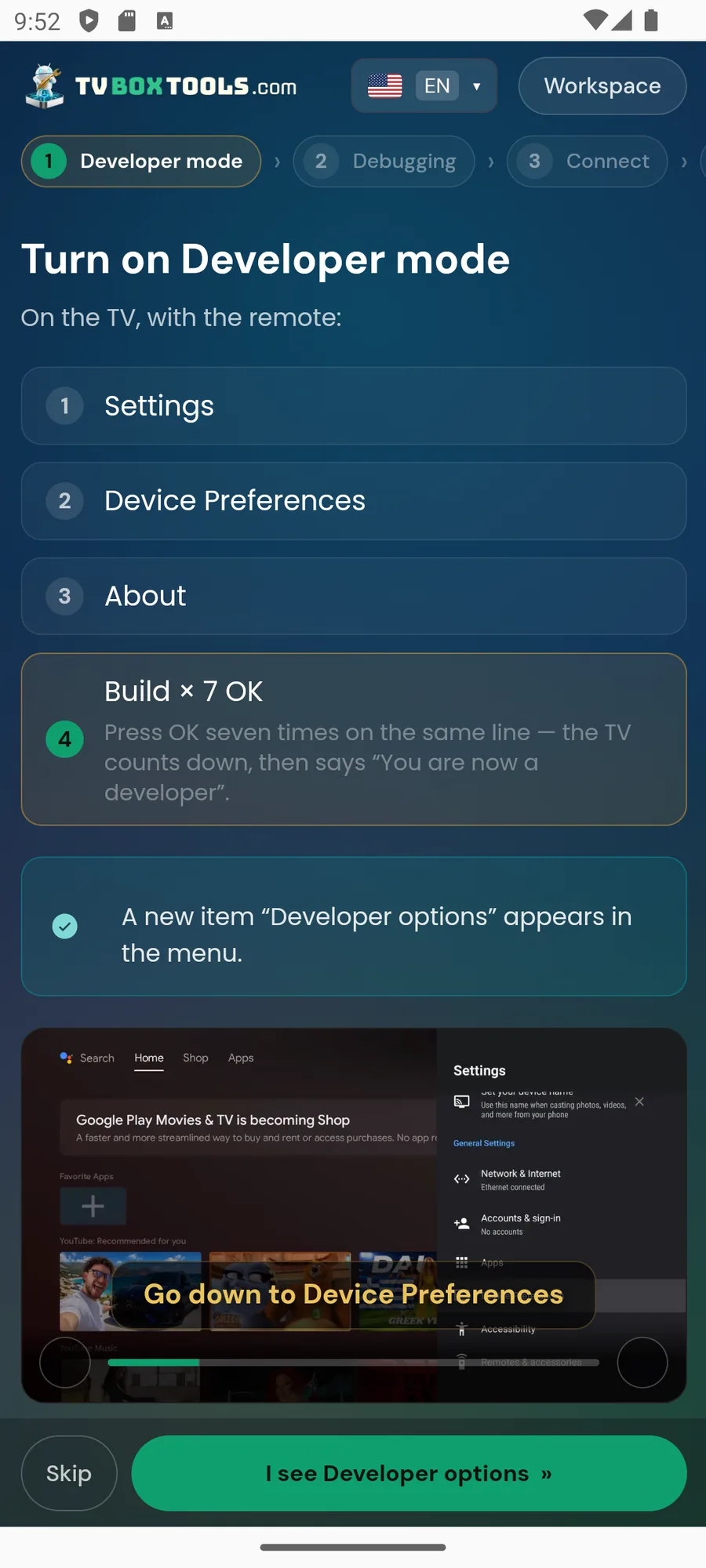
The phone app shows each step on screen and checks it before moving on. Nothing is typed on the TV.
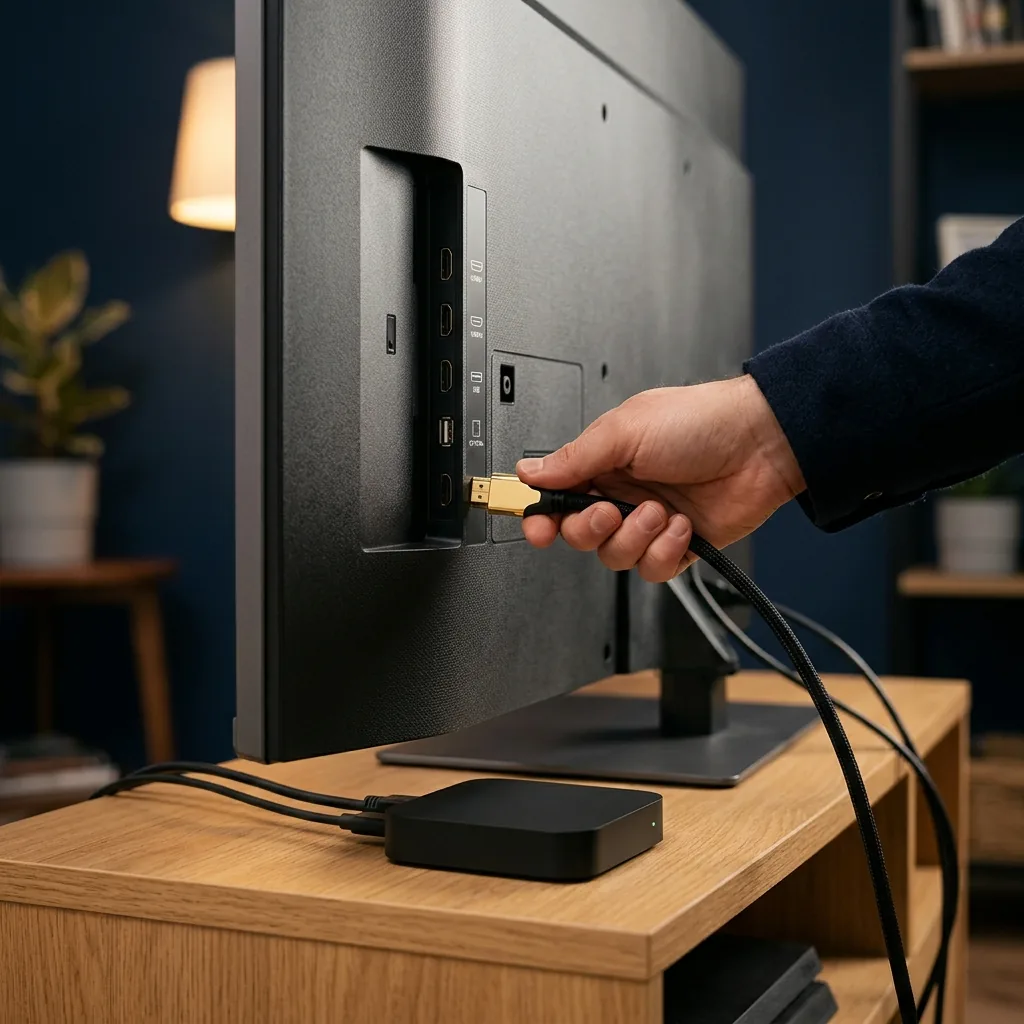
Plug in the box and connect it to Wi-Fi
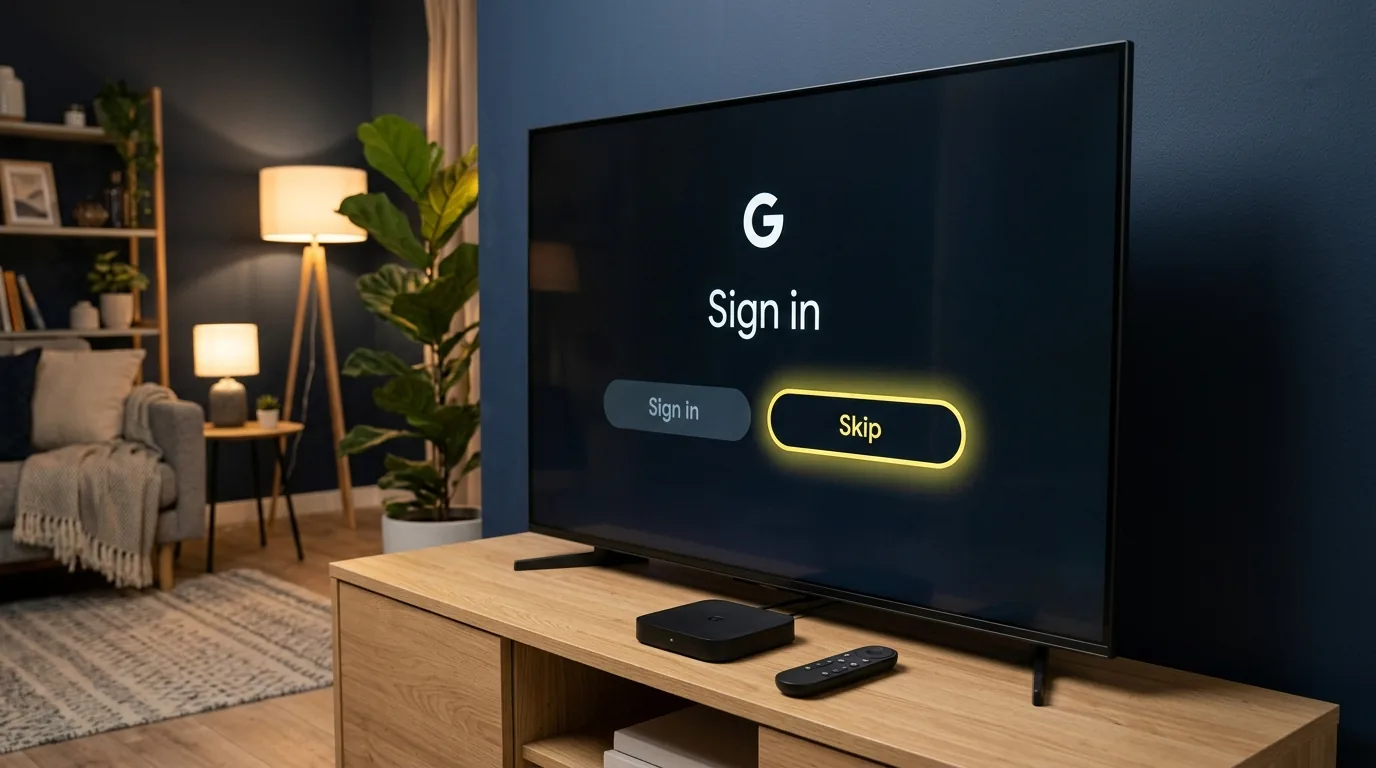
On the box's first-run screen, choose the language and Wi-Fi only. When it asks to sign in with Google: skip. A box with a Google account cannot be locked; the app will tell you — remove the account in Settings › Accounts and continue.
Open TV Box Tools on your phone
Free, from tvboxtools.com. It finds the box on your Wi-Fi by itself. Tap it. The TV shows a 6-digit code; type it into the phone. That pairs them, once.
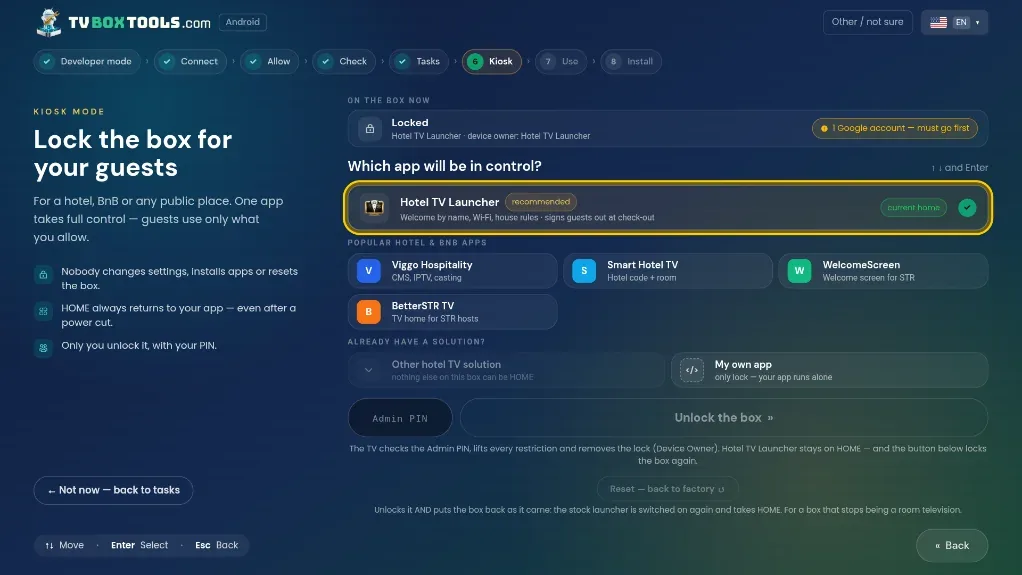
Tap “Install Hotel TV & lock”
The app installs Hotel TV, makes it the owner of the box and turns on the 16 protections one by one, with a green tick each. About 3 minutes. If anything fails, it says what and how to fix it.
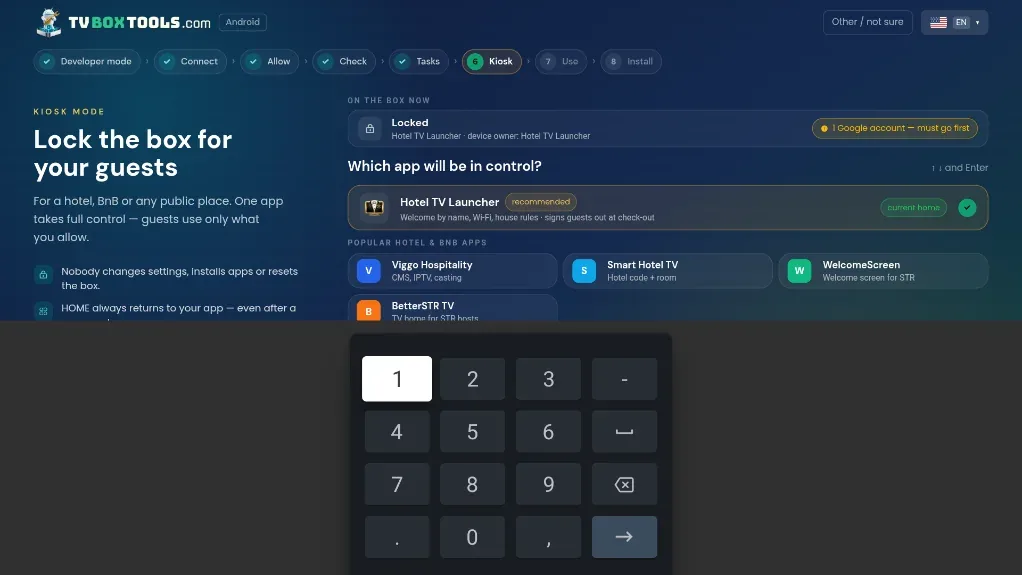
Choose your Host PIN
Four digits. It is the only key to this TV from now on: 15 minutes of maintenance whenever you need it. Write it in the dashboard, not on the remote.
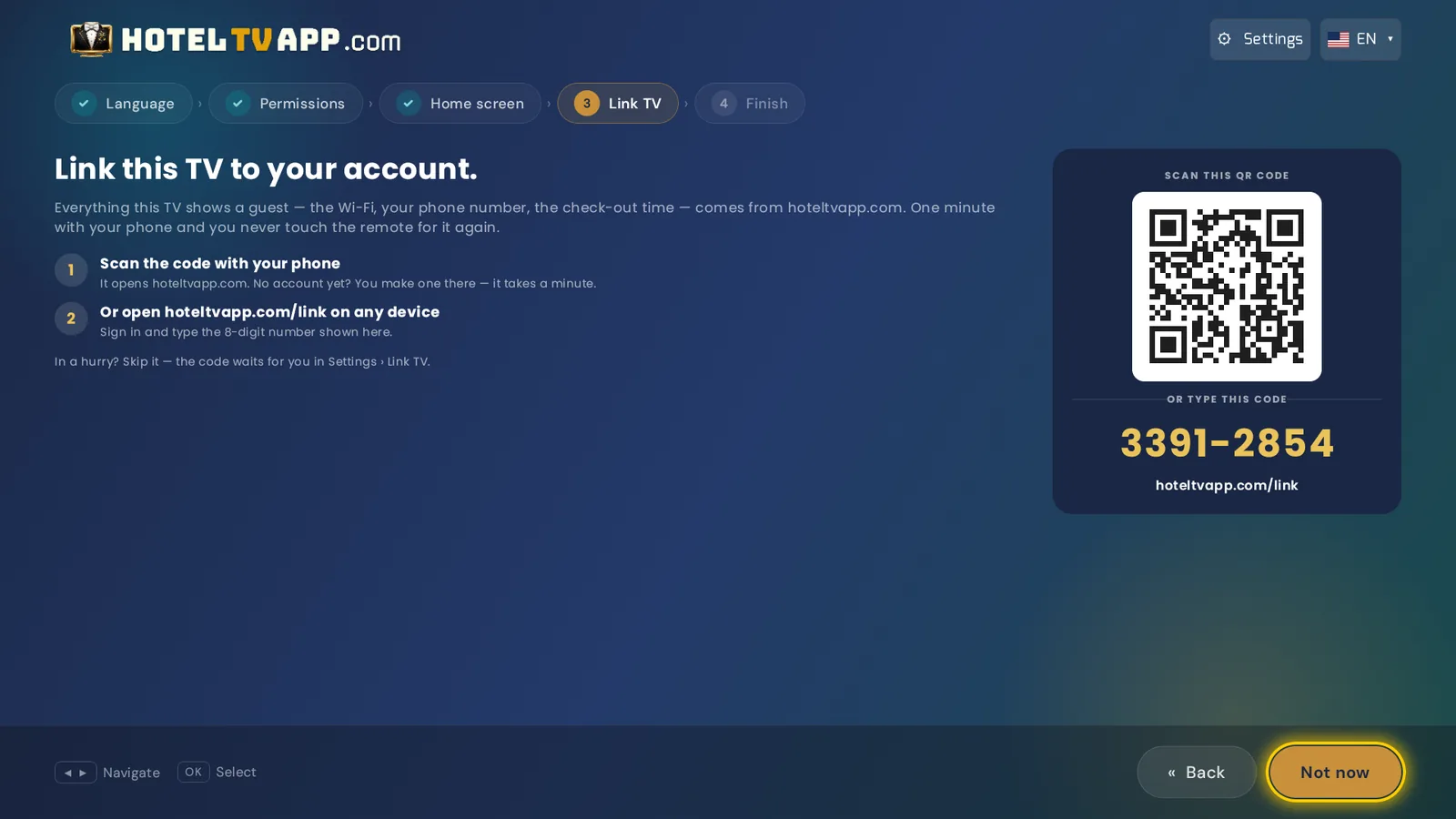
Link the TV to your account
Hotel TV opens with a QR. Scan it, give the room a name, done. From now on guest names, dates, Wi-Fi and the erase run from your phone. Press HOME on the remote: it comes back to Hotel TV. Try to open Settings: it can't.
16 protections. The guest keeps everything that matters to them.
They can still sign into Netflix, change the volume, pick their channels and cast. They just can't change the TV itself.
No box, no patience for setup? Order it ready, from a certified partner.
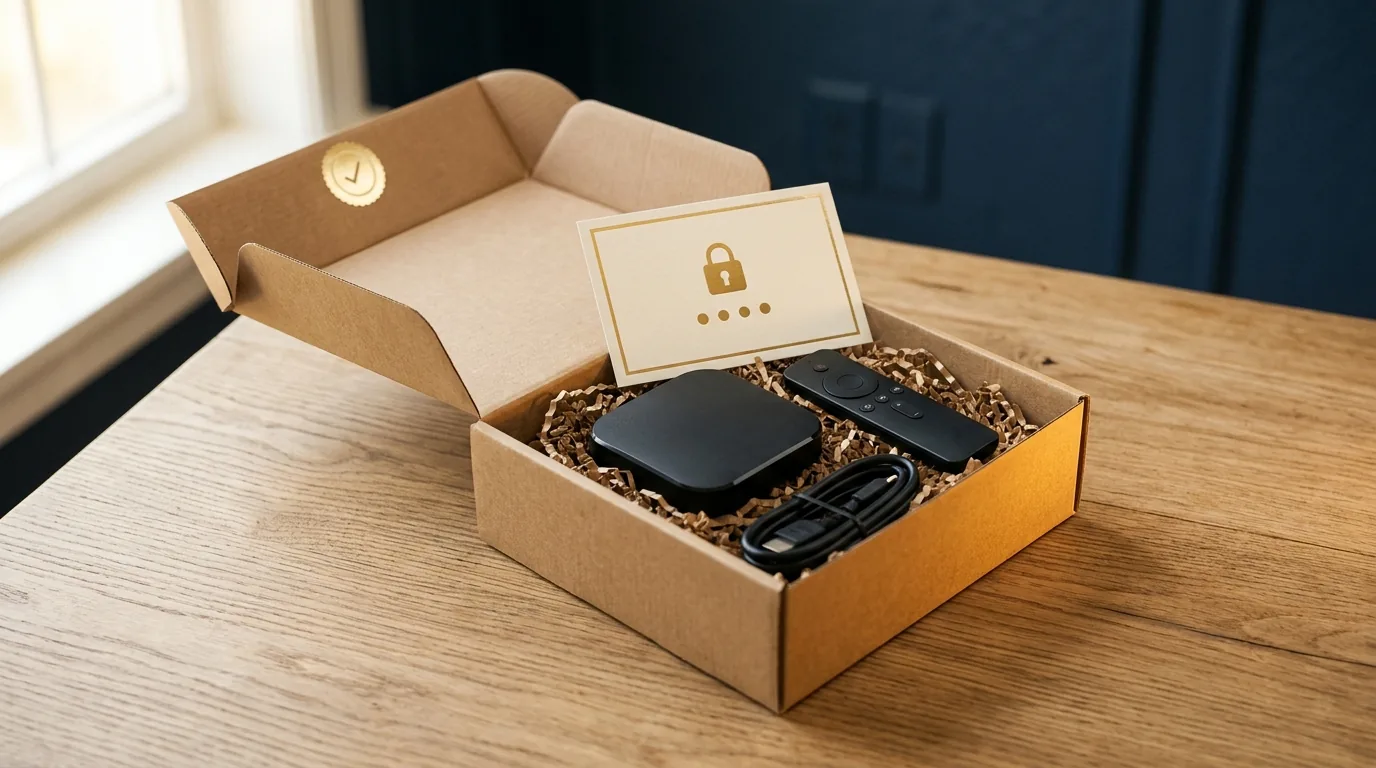
Partner resellers in Europe, North America and Asia ship a box already locked, with Hotel TV installed and your Host PIN inside the parcel. You plug in HDMI and power, scan the QR, name the room. Two minutes.
Before you lock.
Can I undo it?⌄
Yes. TV Box Tools on your phone, Host PIN, “Unlock”. The box goes back to a normal Google TV. You need to be in front of it; that is by design, so a guest can't do it remotely either.
Is it rooting or hacking the box?⌄
No. It uses the official Android “device owner” mechanism that companies use for work tablets and shop displays. Warranty, updates and the Play Store keep working.
What if I forget the PIN?⌄
It is stored in your Hotel TV dashboard, per TV. Sign in on your phone and read it. Nobody else can.
Can the guest still sign into their own Netflix?⌄
Yes, that is the point. Their apps, their sign-in, erased before the next guest. The lock protects the TV, not the guest's freedom to watch.
Why do you call it “kiosk mode” elsewhere?⌄
That is the technical name installers and search engines use. For you it means one thing: a TV guests can't break.